Building a PC that's both powerful and silent might seem like a pipe dream, especially when high-end components push thermal limits. Yet with the right approach, you can assemble a rig that hums along barely audible. This guide breaks down the ten critical factors that separate a truly quiet PC from a noisy one, helping you prioritize efforts and avoid common pitfalls.
1. Understand the Main Noise Culprits
The first step to silence is identifying what makes noise. Fans are the obvious source, but pumps, coil whine from GPUs, and even hard drives can contribute. Even the quietest components can create a cumulative din if not chosen carefully. Listen for high-pitched whines or rumbles—these often point to specific weak spots. Prioritize addressing the most annoying noises first, like a buzzing fan or a whining pump, before tackling overall sound levels.
2. Choose a Case with Acoustic Damping
Your case is the first line of defense. Look for models that include sound-dampening foam on panels, and have solid side panels rather than glass or mesh—though mesh improves airflow, it can let noise escape. Cases like the be quiet! Silent Base or Fractal Design Define series excel here. Don't forget to seal any unused drive bays and ensure the case has good airflow paths to prevent fans from ramping up.
3. Optimize Fan Selection and Placement
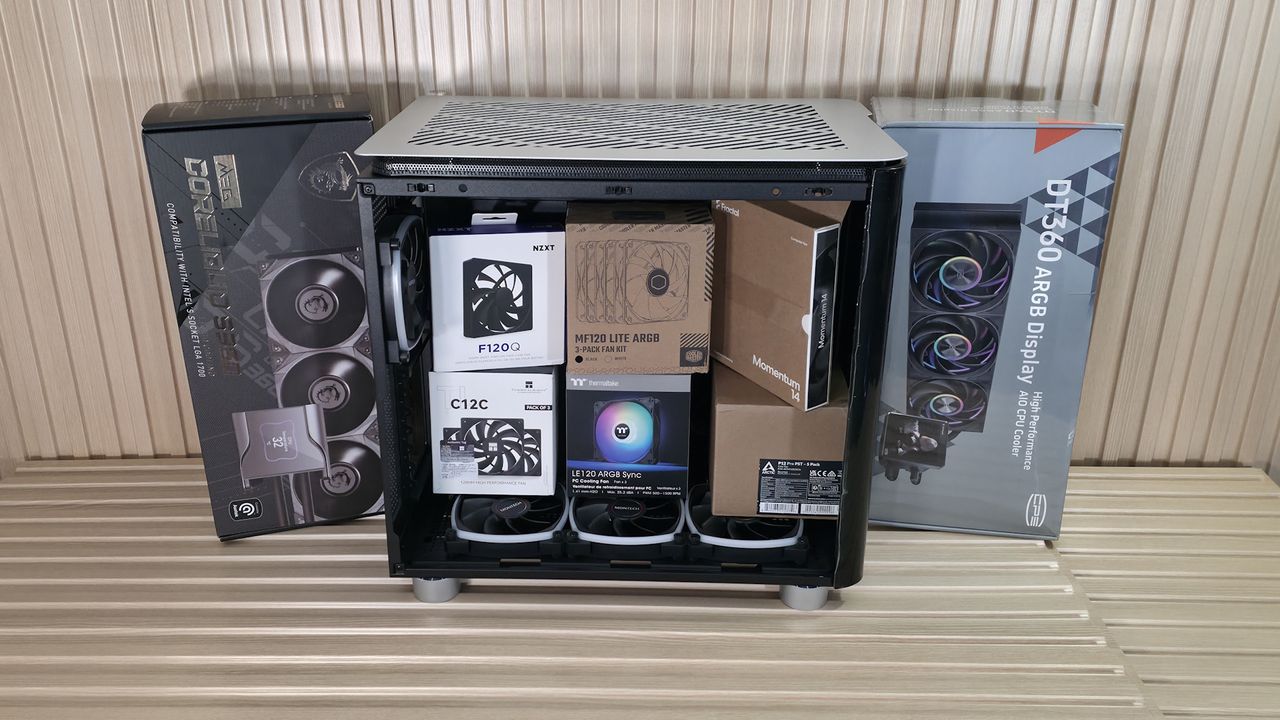
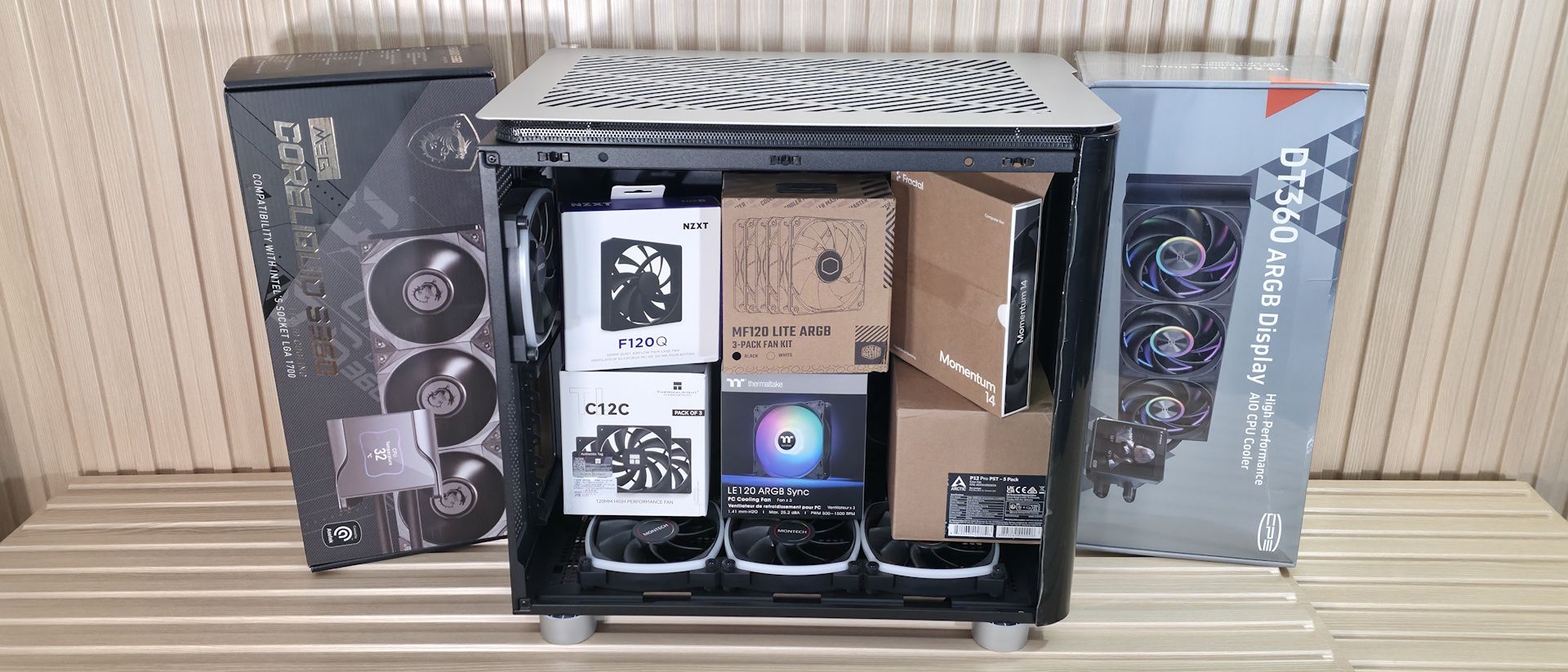
Not all fans are created equal. Opt for models known for low noise, like Noctua or be quiet! fans. Use larger fans (140mm or 200mm) where possible—they move more air at lower RPMs, reducing noise. Stick to a simple layout: two intakes at the front, one exhaust at the rear. Avoid turbulence by not placing fans too close to obstructions. A well-considered fan setup can dramatically cut decibels.
4. Don't Skimp on CPU Cooler Quality
Your CPU cooler is a major noise source. Tower air coolers from Noctua or be quiet! often beat AIO liquid coolers because they have fewer moving parts. If you go liquid, choose a large radiator and a pump known for quiet operation (e.g., Arctic Liquid Freezer). For total silence, consider a passively cooled CPU cooler with a low-power chip—but that's not viable for high-end builds. Undervolting your CPU can also reduce heat and fan speed.
5. Manage GPU Heat and Noise
Graphics cards are often the loudest component. Pick a model with a good cooler and low-RPM fan curve—even mid-range cards from ASUS or EVGA have quiet options. You can also undervolt your GPU to lower power draw and fan noise without sacrificing performance. If you're comfortable, consider a water block for the GPU in a custom loop, but that adds complexity and cost.
6. Prioritize a Quiet Power Supply
PSU fans can be a hidden noise source. Choose a power supply that has a hybrid or semi-passive fan mode—it only spins under load. Look for high efficiency (80 PLUS Gold or better) because less wasted heat means less fan activity. Brands like Seasonic, Corsair (with Zero RPM mode), and be quiet! offer top picks. Also, pay attention to PSU mounting orientation to avoid restricting airflow.
7. Replace Traditional Hard Drives
Hard disk drives produce vibration and whirring noise. For a quiet PC, switch to solid-state drives—they're silent and faster. If you need mass storage, consider a large-capacity SSD or use a NAS elsewhere. If you must keep a HDD, mount it with rubber grommets to dampen vibration, and keep it in a drive cage away from the main airflow path.
8. Implement Smart Fan Control
Manually set fan curves through BIOS or software. Keep fans at the lowest speed that maintains safe temperatures—often 40-50% is enough for idle. Use sensor data from CPU or GPU to adjust speeds gradually. Avoid sudden ramping; instead, set a gentle slope. Some motherboards have dedicated fan headers for pumps or case fans, so assign them correctly.
9. Address Vibration and Resonance
Components can vibrate against the case, amplifying noise. Use rubber fan mounts (or Silencio fan dampeners) instead of hard screws. Place rubber washers under case feet to decouple the case from the floor. Cable routing matters too—loose cables can vibrate against metal. Secure them with cable ties or Velcro to prevent rattles. A well-organized interior is inherently quieter.
10. Accept Some Compromise with High Power
If you're building a high-performance gaming or workstation rig, complete silence is nearly impossible under full load. Aim for a balanced approach: use the techniques above, plus consider undervolting components, setting a lower power limit, or using noise-cancelling headphones. The goal is to minimize noise where it counts—during idle or light tasks—while accepting that heavy workloads will produce some sound.
Building a quiet PC is about making thoughtful choices at every step, from component selection to assembly techniques. By focusing on the biggest noise sources first—fans, coolers, and storage—you can create a system that blends performance with tranquility. Remember, a perfectly silent PC might be a myth, but a nearly inaudible one is within reach.